Free Invoice Template Excel
Send invoices that look like you hired a designer. Fill in your business details once, add line items, and the subtotal, tax, and total due calculate themselves — then print or save as PDF.
What's inside
- Professional single-page layout with your business and client info blocks
- 10 line-item rows: description, quantity, and rate with automatic line totals
- Subtotal, adjustable tax rate, and bold Total Due — all formula-driven
- Invoice number, issue date, and due date fields
- Print area pre-set so it prints cleanly on one page, plus a notes/terms section
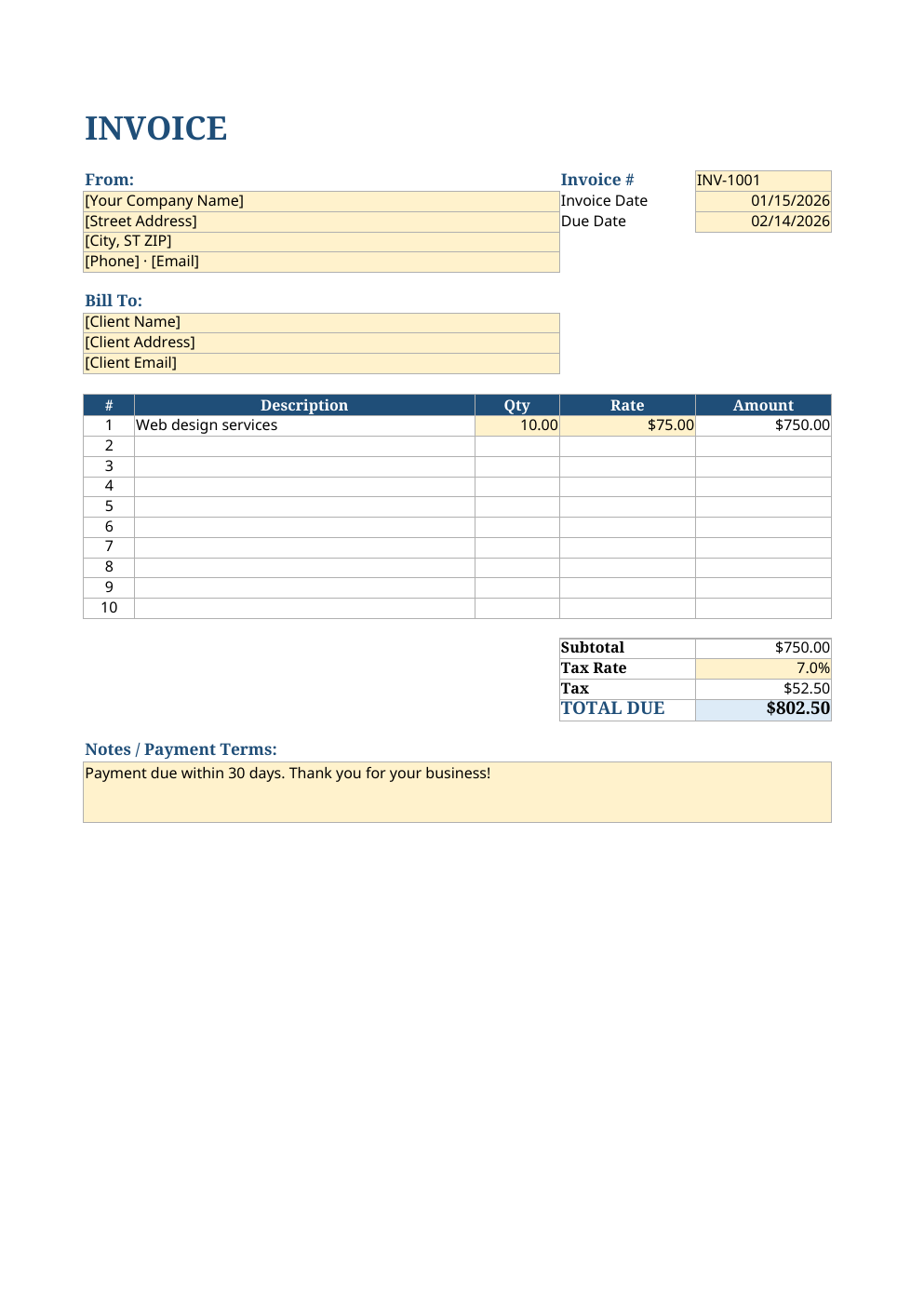
Opens in Microsoft Excel, Google Sheets, and LibreOffice. No signup, no watermarks.
How to use this template
First, replace the bracketed placeholders with your business name, address, phone, and email. These live at the top of the sheet — do it once and every invoice you make from this file carries your branding.
For each invoice, fill in the client block, set the invoice number and dates, then add your line items. Quantity times rate flows into each line total automatically, and the subtotal, tax, and total due update as you type. Change the tax rate cell to match your local requirements.
When it is ready, use File > Print or Save as PDF. The print area is already configured so the invoice fits neatly on one page. Pro tip: save a copy per client per month (e.g. Invoice-1001-Acme.xlsx) so you always have a paper trail.
Frequently asked questions
Is this invoice template free for business use?
Yes — use it for as many invoices as you like, for any business, forever. No attribution required.
How do I save it as a PDF?
In Excel: File > Export > Create PDF. In Google Sheets: File > Download > PDF. The print area is pre-set so it fits on one page.
Can I add my logo?
Yes. Insert > Pictures in Excel (or Insert > Image in Google Sheets) and place your logo at the top. You may need to nudge the title down a row or two.
Does it calculate tax automatically?
Yes. Set your tax rate in the yellow cell and the tax amount and total due recalculate instantly from the subtotal.