Free Net Worth Tracker Excel Template
Net worth is the one number that tells the truth about your finances. Track assets and liabilities month by month and watch the trend line of your actual wealth — the number that matters.
What's inside
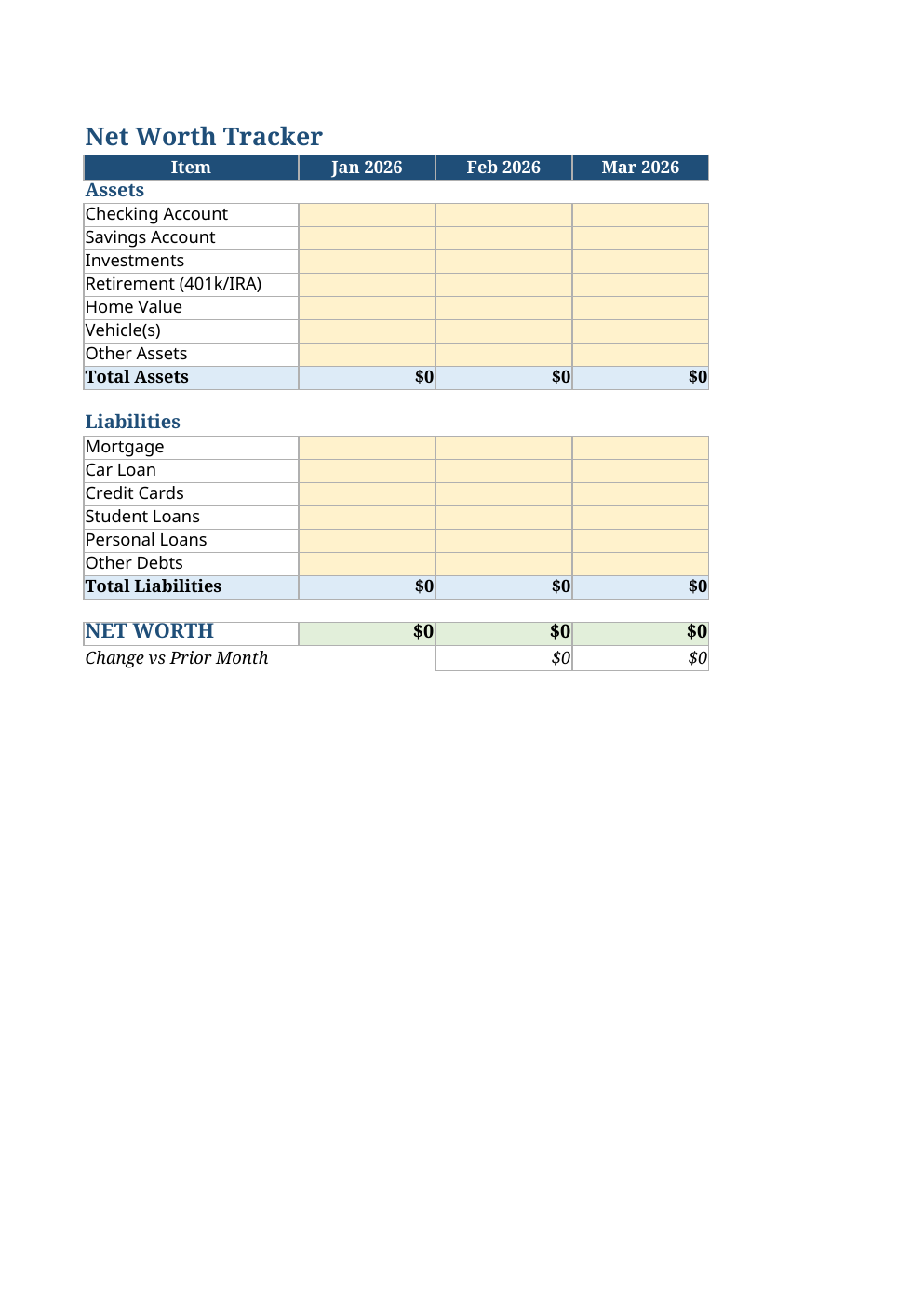
- 7 asset categories and 6 liability categories across 12 monthly columns
- Automatic Total Assets, Total Liabilities, and Net Worth per month
- Month-over-month change row showing whether wealth grew or shrank
- Yellow input cells everywhere you type; everything else is formula
- Frozen panes so categories stay visible while you scroll across the year
Opens in Microsoft Excel, Google Sheets, and LibreOffice. No signup, no watermarks.
How to use this template
Once a month — pick a day, like the 1st — fill in each asset and liability value in that month's column. Use round numbers; precision matters less than consistency.
The Net Worth row subtracts liabilities from assets automatically, and the Change row shows the delta from the prior month. After three or four months you will have a trend, and trends are what change behavior.
Do not panic over a down month — markets move. What you are watching for is the slope over quarters and years. Pair this with monthly budgeting (our free budget planner tool) to make sure the slope points up.
Frequently asked questions
What counts as an asset?
Anything with value you own: cash, savings, investments, retirement accounts, home equity (use a conservative estimate), vehicles. List each separately so you can see what drives the total.
Should I include my house?
Most people do, using a conservative market value minus the mortgage (which sits in liabilities). Just be consistent month to month.
How often should I update it?
Monthly is the sweet spot — frequent enough to see trends, infrequent enough that market noise does not drive you crazy.
Why track net worth instead of just savings?
Savings is one slice. Net worth captures the whole picture — including debt paydown, which builds wealth just as surely as investing does.