Free Home Inventory Template for Insurance
If you ever need to file a claim after a fire, flood or burglary, an up-to-date inventory makes it faster and helps you get paid for everything you lost. List items room by room, with values and proof of ownership.
What's inside
- Room, item, brand/model, serial number, quantity and purchase date
- Purchase price and current replacement value
- Receipt and photo checkboxes, with missing proof highlighted
- Totals for items, purchase cost and replacement value
- Summary tab with totals for every room
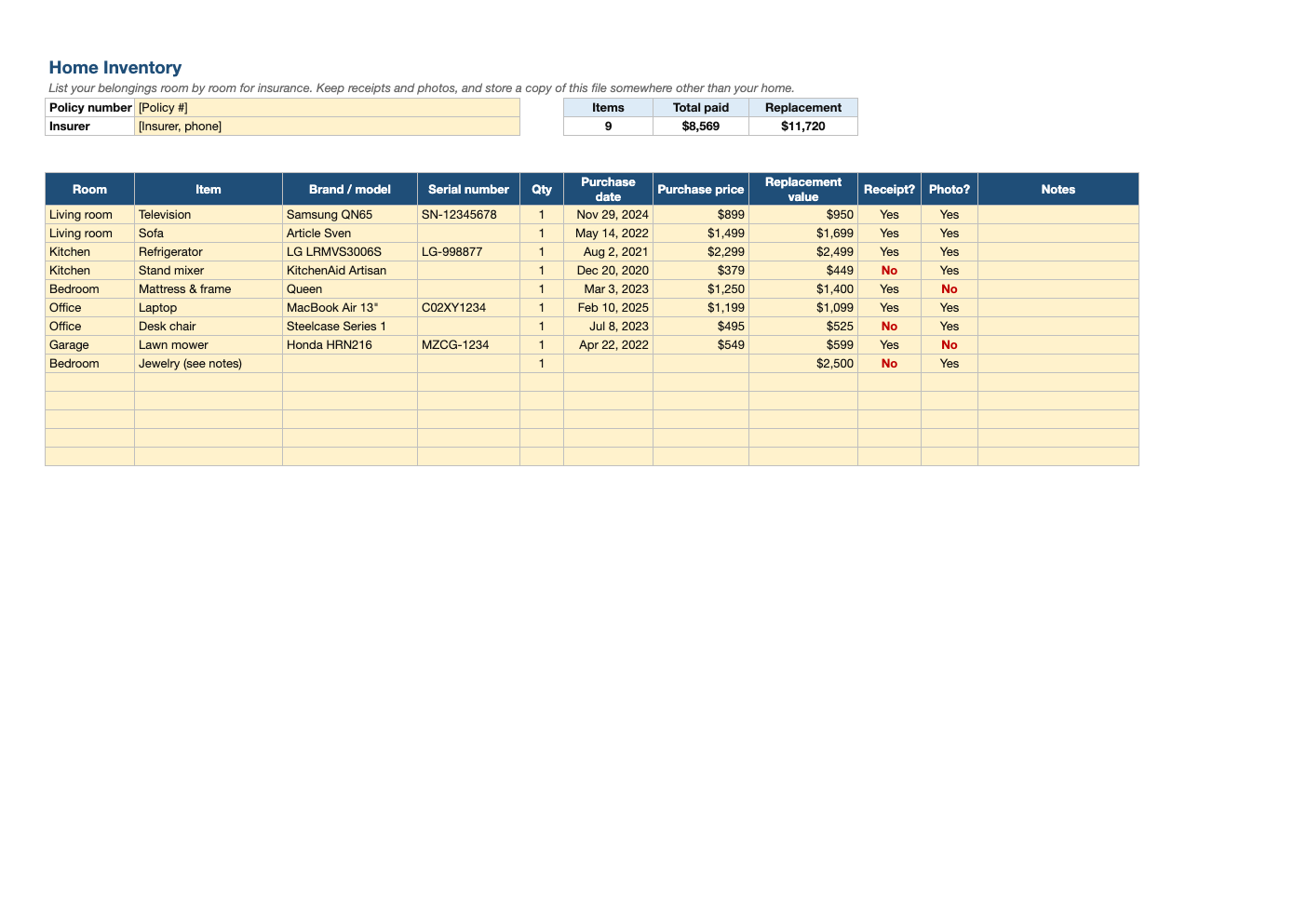
Opens in Microsoft Excel, Google Sheets, and LibreOffice. No signup, no watermarks.
How to use this template
Walk through one room at a time, including closets, the garage and storage. Start with the most valuable items: electronics, appliances, furniture, jewelry and tools.
Record serial numbers and model numbers, which are usually on a label on the back or bottom.
Take photos or a slow video of each room and of receipts, and store them with this file in cloud storage or with someone outside your home.
Compare the replacement total with your policy's personal property limit, and ask your agent about separate coverage for jewelry or collectibles.
Frequently asked questions
Is this home inventory template really free?
Yes. Download it, use it as often as you like, and share it with your team. No account, no email, no watermark. The site is supported by advertising.
Why make a home inventory?
It speeds up insurance claims, helps prove ownership, and shows whether your coverage is high enough.
Replacement value or purchase price?
Record both. Many policies pay replacement cost; others pay actual cash value, which subtracts depreciation.
Does it work in Google Sheets?
Yes. Upload the .xlsx to Google Drive and open it with Google Sheets; the formulas, dropdowns and conditional formatting carry over. It also works in LibreOffice Calc and Apple Numbers.