Free Report Cover Page Template for Word
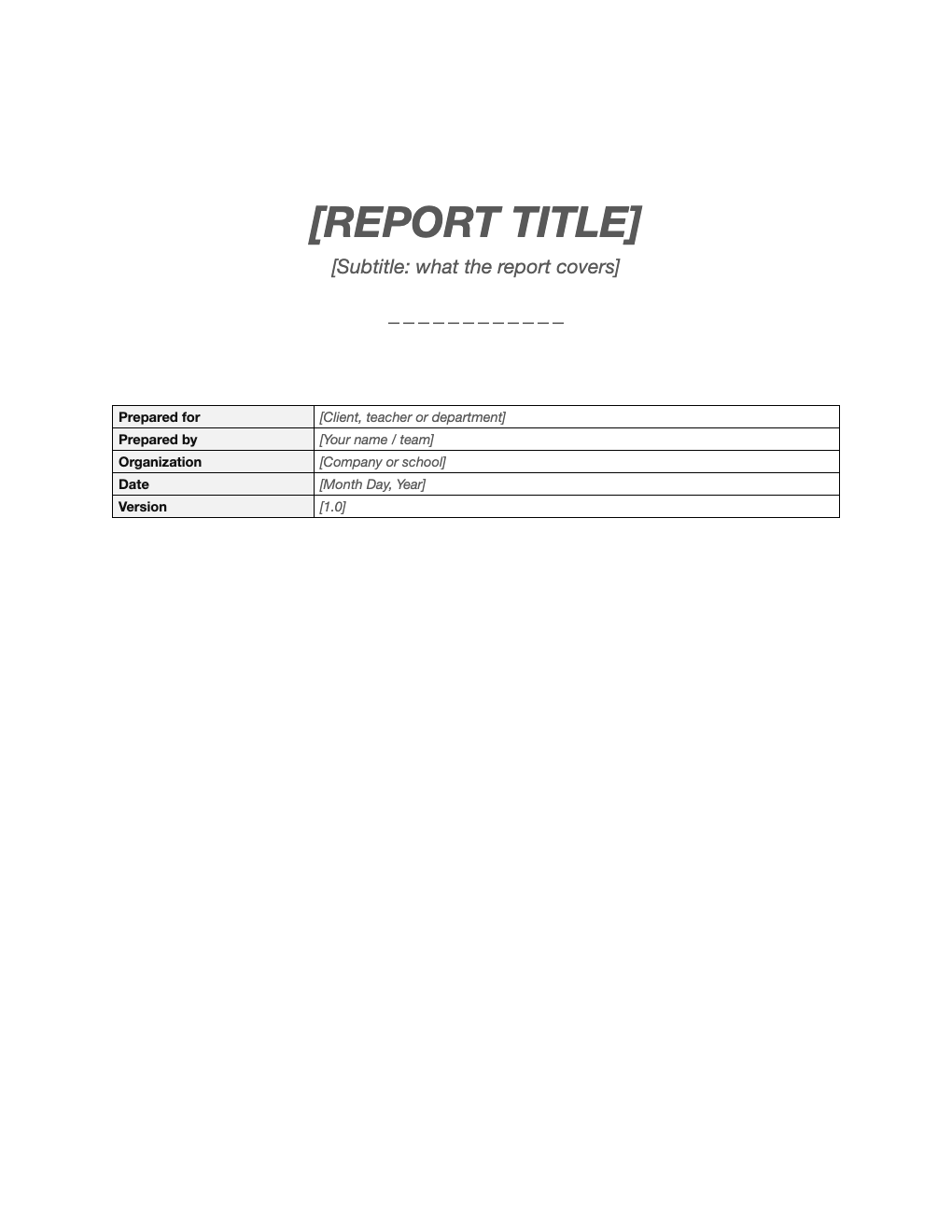
Give school reports, business reports and proposals a polished first page. A clean, centered title page with the report title, subtitle and a details box for who it is for, who wrote it and when.
What's inside
- Large centered title and subtitle
- Prepared for, prepared by, organization, date and version
- Generous white space and a simple divider
- Works for school and business reports
- Easy to add a logo or cover image
Opens in Microsoft Word, Google Docs, Apple Pages, and LibreOffice. No signup, no watermarks.
How to use this template
Replace the title and subtitle; keep the subtitle to one line.
Fill in the details box and delete any rows you do not need.
Add a logo or image above the title with Insert > Pictures.
Copy the page to the front of your report, or paste your report after it. For APA papers, use our APA title page template instead.
Frequently asked questions
Is this cover page template really free?
Yes. Download it, use it as often as you like, and share it with your team. No account, no email, no watermark. The site is supported by advertising.
What goes on a report cover page?
The title, a subtitle, who it is prepared for and by, the organization and the date.
Is this APA format?
No. For APA papers use the APA title page template, which follows APA 7 rules.
Can I use it in Google Docs?
Yes. Upload the .docx to Google Drive and open it with Google Docs, or open it in Apple Pages or LibreOffice Writer. The layout and tables carry over.