Free APA Title Page Template (APA 7th Edition)
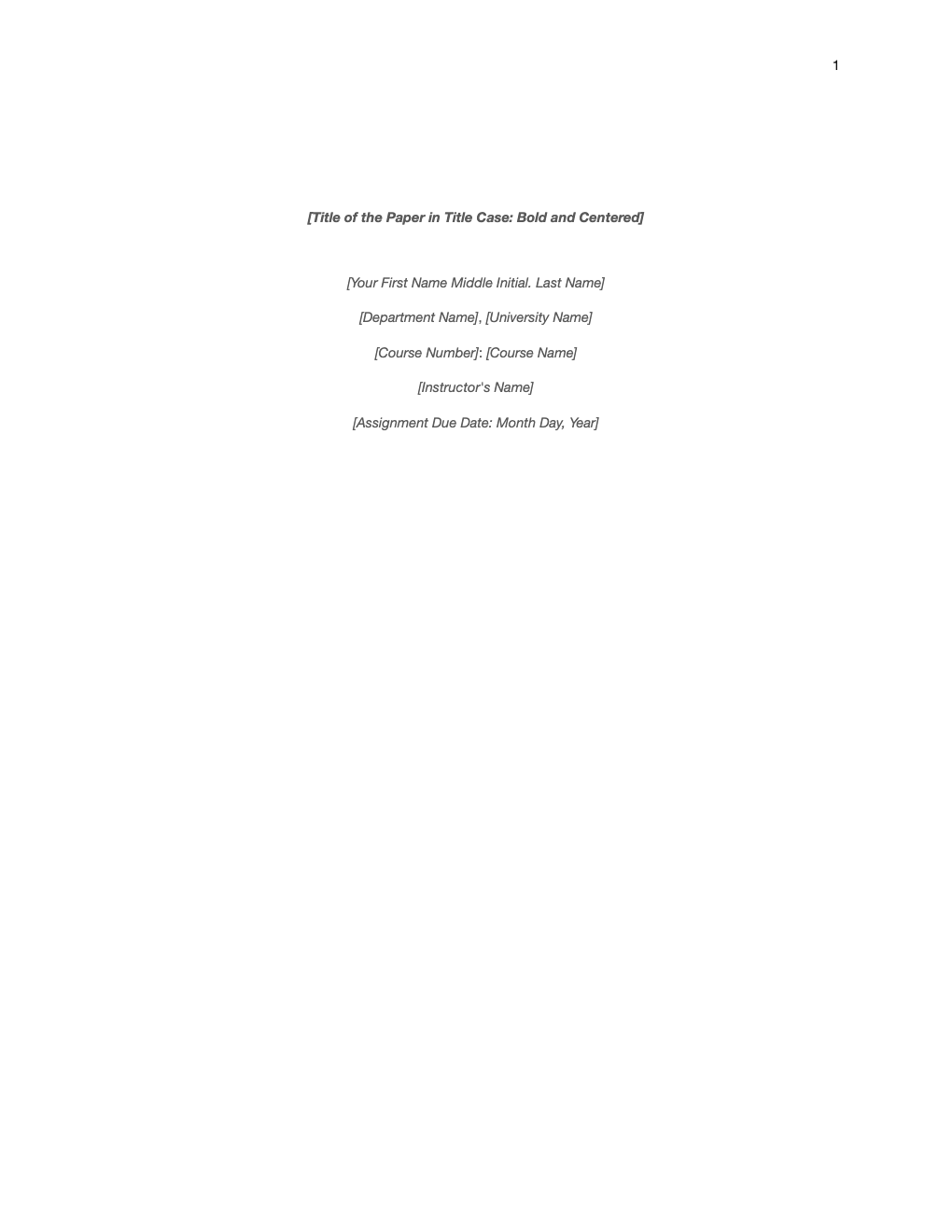
A correctly formatted APA 7th edition student title page. Replace the placeholders with your details; the spacing, alignment and page number are already set up.
What's inside
- APA 7 student title page layout
- Bold, centered title in title case
- Author, affiliation, course, instructor and due date
- Page number in the top-right header
- Double-spaced, centered text
Opens in Microsoft Word, Google Docs, Apple Pages, and LibreOffice. No signup, no watermarks.
How to use this template
Replace each placeholder with your details. Keep the title bold and in title case.
The student version of APA 7 does not need a running head unless your instructor asks for one; the page number is already in the header.
Use the same font throughout the paper. APA 7 accepts several, including 11-point Calibri, 12-point Times New Roman and 11-point Arial.
Your instructor's requirements take priority over the style guide, so check the assignment instructions.
Frequently asked questions
Is this APA title page really free?
Yes. Download it, use it as often as you like, and share it with your team. No account, no email, no watermark. The site is supported by advertising.
Does an APA 7 student paper need a running head?
No, not unless your instructor requires it. Professional papers do use one.
What goes on an APA student title page?
Title, author, affiliation, course number and name, instructor and due date, plus the page number.
Can I use it in Google Docs?
Yes. Upload the .docx to Google Drive and open it with Google Docs, or open it in Apple Pages or LibreOffice Writer. The layout and tables carry over.