Free Standard Operating Procedure (SOP) Template
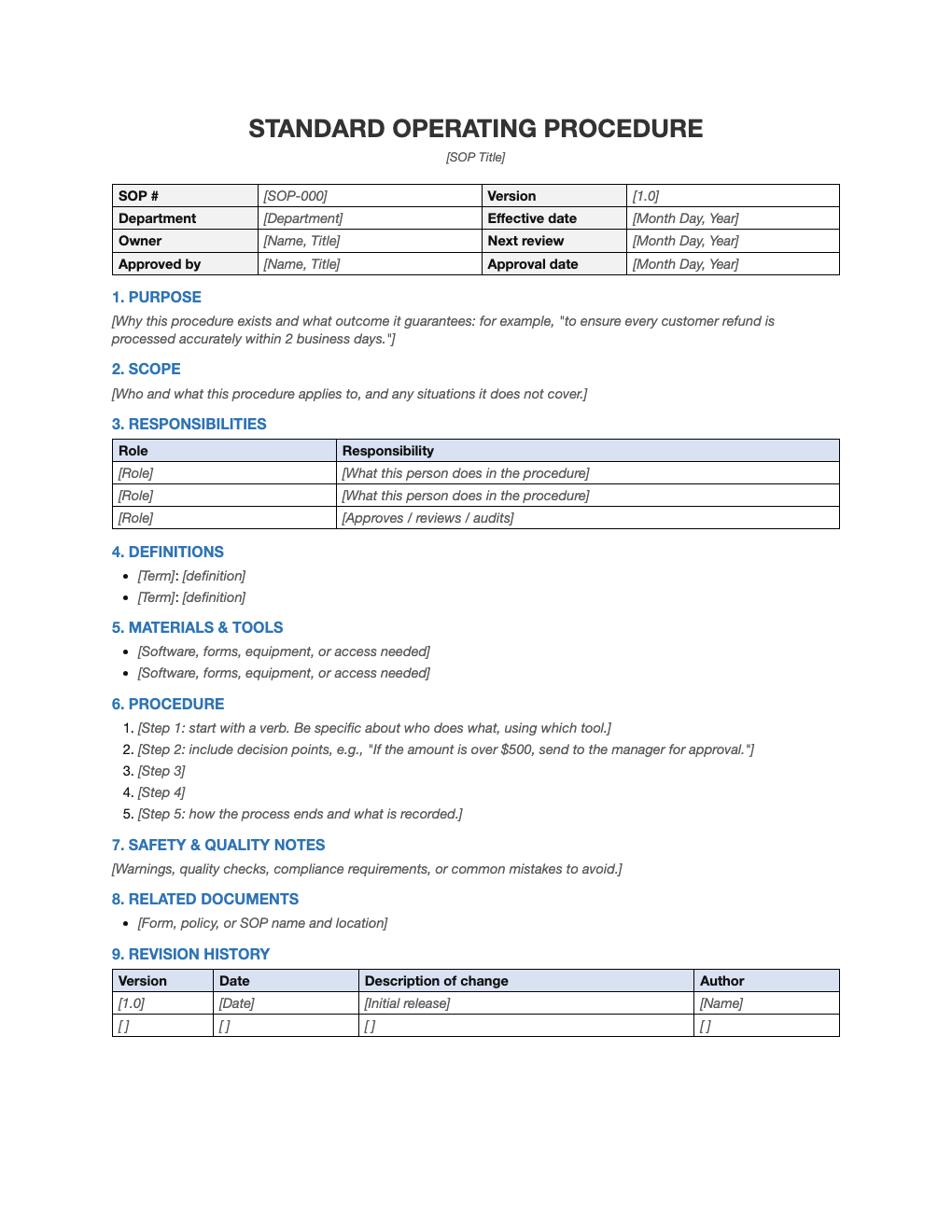
Write down how work gets done so anyone can do it right. A complete SOP structure with document control, responsibilities, numbered steps, quality and safety notes, and a revision history.
What's inside
- Document control table: SOP number, version, owner, approver and review dates
- Purpose, scope, definitions and required materials
- Roles and responsibilities table
- Numbered step-by-step procedure with prompts for decision points
- Safety and quality notes, related documents and revision history
Opens in Microsoft Word, Google Docs, Apple Pages, and LibreOffice. No signup, no watermarks.
How to use this template
Pick one process that is done often, done inconsistently, or known only by one person. Those are the SOPs that pay off fastest. Give it a number and a clear title like "Processing customer refunds".
Write the purpose (why the process exists) and the scope (who it applies to, and what it does not cover). List who is involved and what each role does.
Write each step as an instruction starting with a verb: "Open the order in Shopify", "Check the return reason". Include decision points ("If the amount is over $500…") and what gets recorded at the end. Have someone unfamiliar with the task follow the draft and note where they get stuck.
Set an owner and a review date, and update the revision history whenever the process changes. An out-of-date SOP is worse than none, so keep them short enough to maintain.
Frequently asked questions
Is this SOP template free?
Yes, free to download and reuse for as many procedures as you need.
How long should an SOP be?
As short as possible while still being followable by someone new. Most single-task SOPs fit on one to three pages; split anything longer into separate procedures.
What is the difference between a policy and an SOP?
A policy states a rule ("refunds are allowed within 30 days"). An SOP explains step by step how to carry it out.
Can I use it in Google Docs?
Yes. Upload the .docx to Google Drive and open it with Google Docs, or open it in Apple Pages or LibreOffice Writer. The layout and tables carry over.