Free 2027 Monthly Calendar (Excel)
A big-box monthly calendar for 2027, with one tab per month and plenty of room to write appointments, birthdays and deadlines. Type in it or print it.
What's inside
- 12 tabs, January through December 2027
- Large date boxes for typing or handwriting
- Notes lines at the bottom of each month
- Change the year on the January tab and all months update
- Landscape layout, one month per printed page
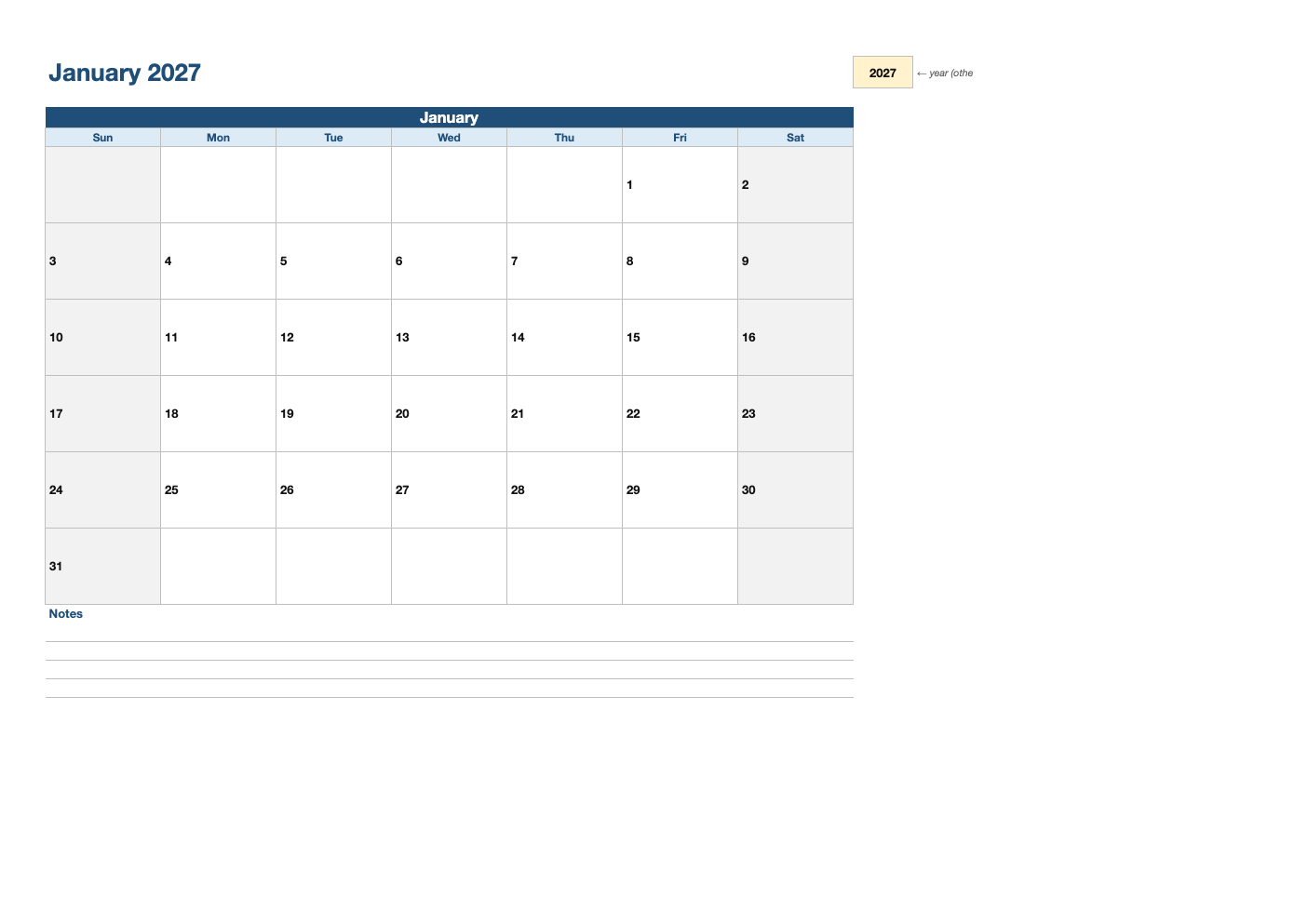
Opens in Microsoft Excel, Google Sheets, and LibreOffice. No signup, no watermarks.
How to use this template
Type events straight into the date boxes, using Alt+Enter (Option+Enter on a Mac) for a new line in the same cell, or print the months you need and write by hand.
Change the year on the January tab to reuse the template next year; the other tabs follow automatically.
Color-code categories, for example work, family and school, using cell fill colors.
For a one-page overview of the whole year, pair it with the 2027 yearly calendar.
Frequently asked questions
Is this monthly calendar really free?
Yes. Download it, use it as often as you like, and share it with your team. No account, no email, no watermark. The site is supported by advertising.
Can I add text to a date?
Yes. Click the box and type; the date number is in the cell, so add your notes in the box below it or use a new line.
Can I print it?
Yes. It is set up to print cleanly on US Letter paper; choose "Fit to page" if your printer uses A4.
Does it work in Google Sheets?
Yes. Upload the .xlsx to Google Drive and open it with Google Sheets; the formulas, dropdowns and conditional formatting carry over. It also works in LibreOffice Calc and Apple Numbers.