Free To-Do List Template for Excel
A simple, satisfying to-do list. Add tasks with a category, priority and due date, mark them done with an x, and let the colors show what is overdue.
What's inside
- Done, task, category, priority, due date and notes
- Mark done with an x: the task grays out and is struck through
- Overdue tasks turn red automatically; high priority shows in bold red
- Counts of open, done, overdue and high-priority tasks
- Dropdowns for category and priority
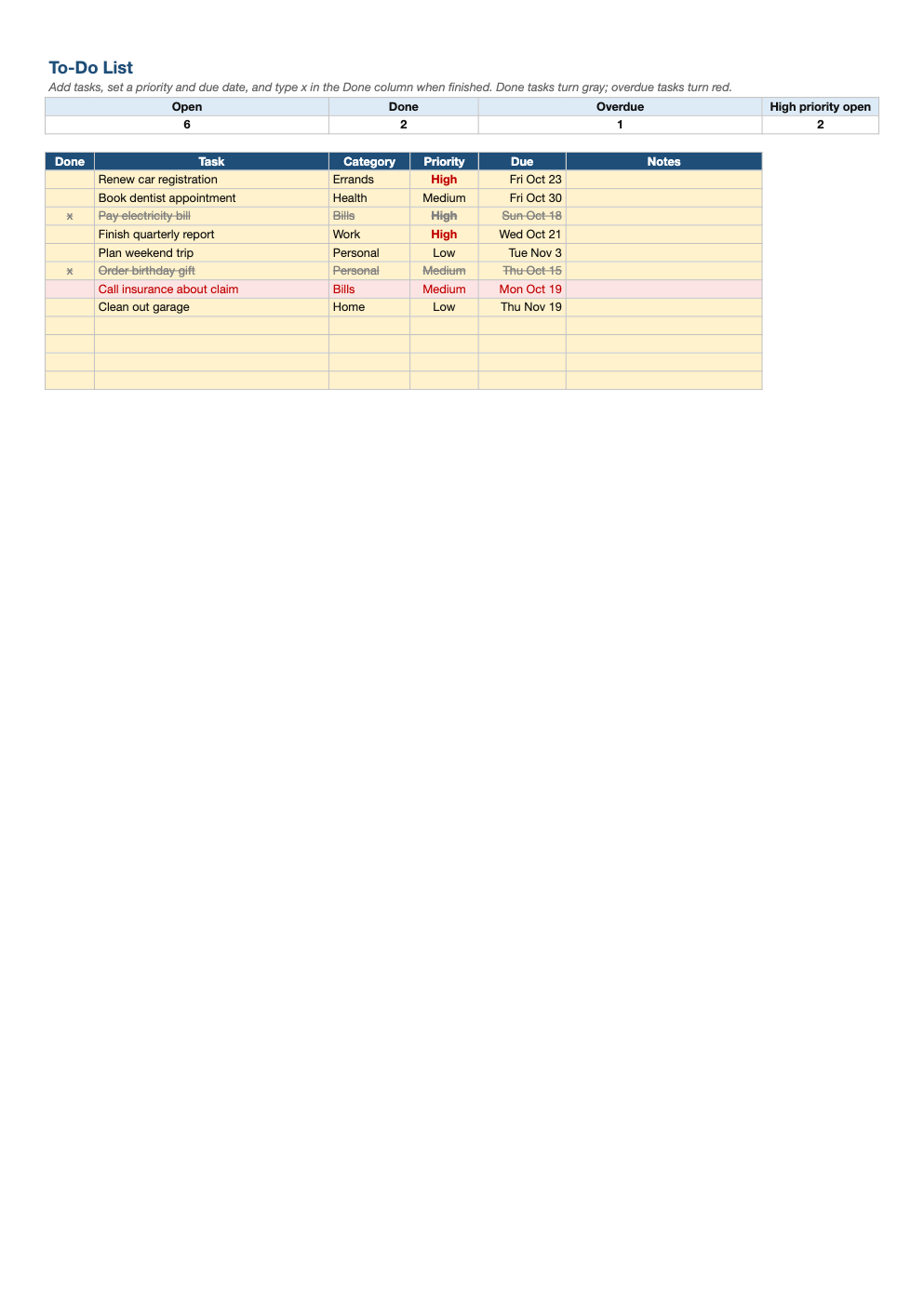
Opens in Microsoft Excel, Google Sheets, and LibreOffice. No signup, no watermarks.
How to use this template
Type each task with a category and priority. Add a due date for anything time-sensitive.
When you finish something, type x in the Done column. It grays out but stays on the list, which is surprisingly motivating.
Sort by due date or priority to plan your day. The counts at the top show what is left.
Every week or so, delete or move finished rows to keep the list short and focused.
Frequently asked questions
Is this to-do list really free?
Yes. Download it, use it as often as you like, and share it with your team. No account, no email, no watermark. The site is supported by advertising.
Can I print it?
Yes. It fits a portrait page; print it blank to use on paper.
Can I add categories?
Yes. Edit the list in the category dropdown (Data > Data validation) or type your own.
Does it work in Google Sheets?
Yes. Upload the .xlsx to Google Drive and open it with Google Sheets; the formulas, dropdowns and conditional formatting carry over. It also works in LibreOffice Calc and Apple Numbers.