Free 52-Week Savings Challenge Template
The classic money challenge: save $1 in week one, $2 in week two, and so on, and finish the year with $1,378. Set your own starting amount or run it in reverse.
What's inside
- 52 weeks with dates from your chosen start date
- Deposit amounts that grow each week (or shrink, in reverse mode)
- Set week one to any amount: $1, $5, $10…
- Check off each week with an x; saved weeks turn green
- Goal, saved so far, still to save and progress at the top
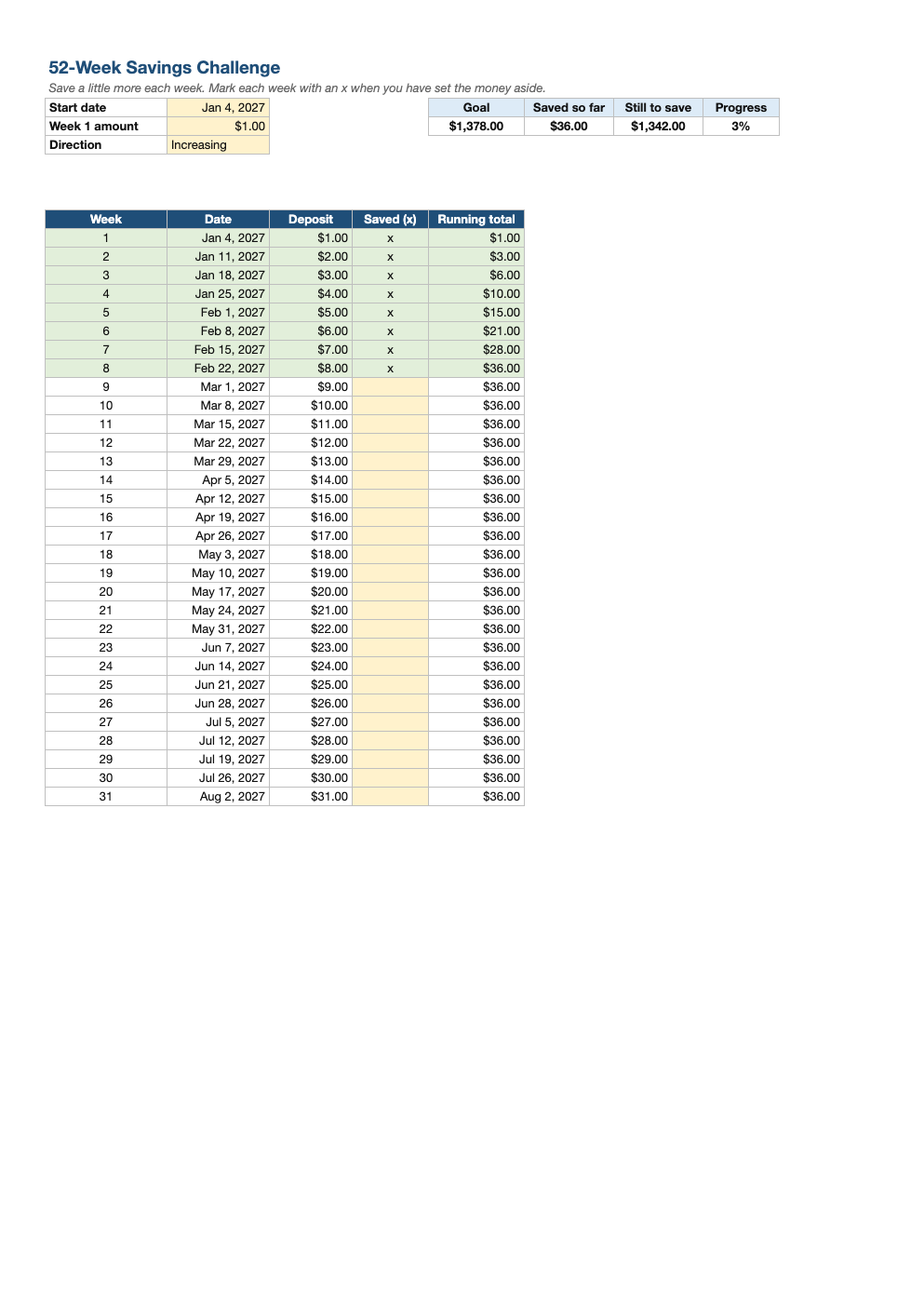
Opens in Microsoft Excel, Google Sheets, and LibreOffice. No signup, no watermarks.
How to use this template
Choose a start date and a week-one amount. At $1 the challenge totals $1,378; at $5 it is $6,890; at $10, $13,780.
Each week, move the deposit into savings and type x in the Saved column. The running total and progress bar update automatically.
Reverse mode starts with the biggest deposits, which suits January budgets and avoids a pinch in December when holiday costs are highest.
Automate it: schedule a weekly transfer to a high-yield savings account so the challenge runs itself.
Frequently asked questions
Is this savings challenge really free?
Yes. Download it, use it as often as you like, and share it with your team. No account, no email, no watermark. The site is supported by advertising.
How much do you save in the 52-week challenge?
$1,378 when you start at $1 and add $1 each week. The total is 1,378 times your week-one amount.
What if I miss a week?
Catch up when you can, or skip it; the tracker totals only the weeks you mark as saved.
Does it work in Google Sheets?
Yes. Upload the .xlsx to Google Drive and open it with Google Sheets; the formulas, dropdowns and conditional formatting carry over. It also works in LibreOffice Calc and Apple Numbers.