Free Reading Log Template for Excel
Track every book you read and watch your yearly goal fill up. Log titles, pages, dates and ratings, and the summary shows books finished, pages read and your average rating.
What's inside
- Title, author, genre, format, pages, start and finish dates, days to read, rating and notes
- Yearly goal with live progress percentage
- Books finished, pages read and average rating for the year
- Format and rating dropdowns
- Room for 400 books
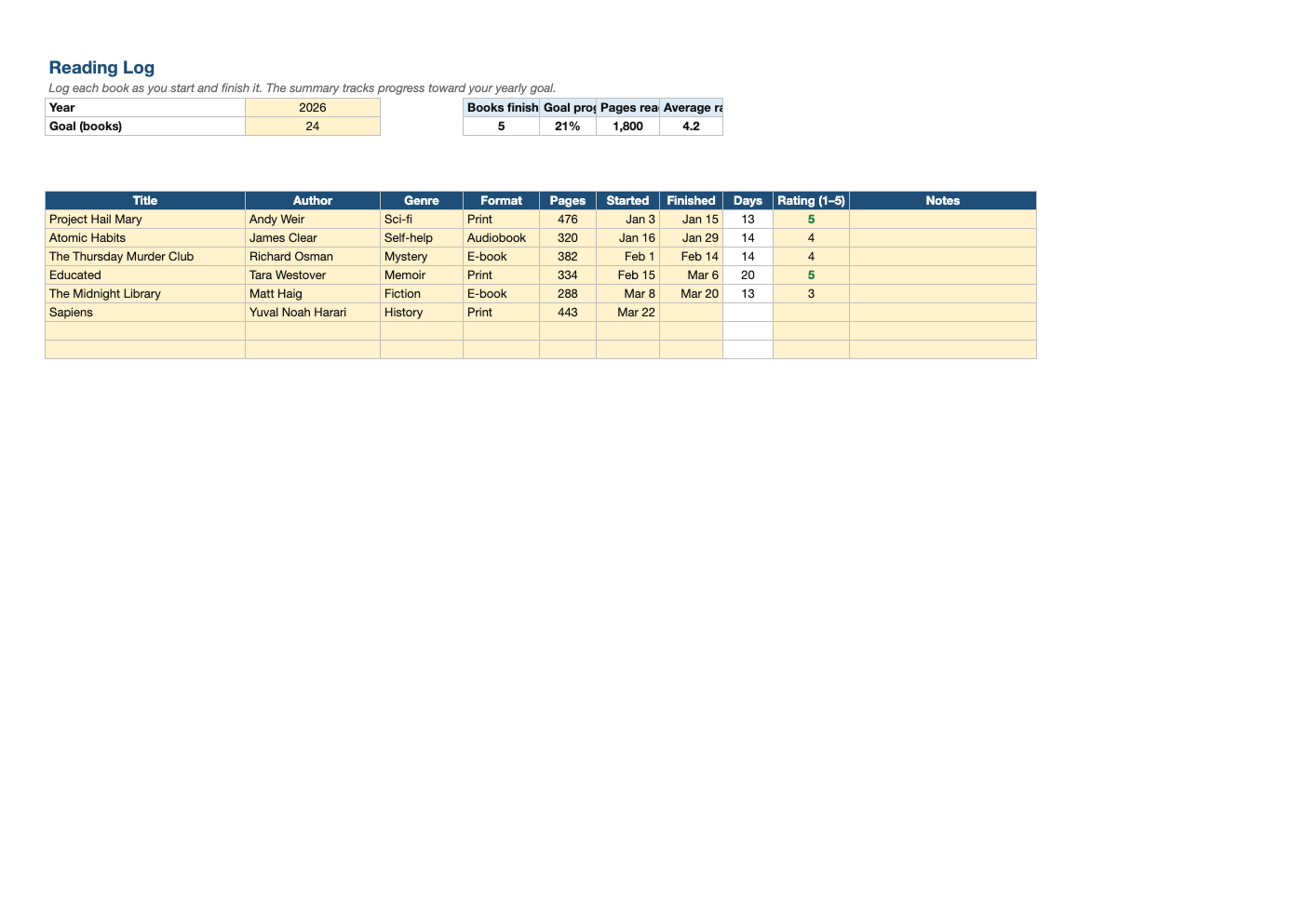
Opens in Microsoft Excel, Google Sheets, and LibreOffice. No signup, no watermarks.
How to use this template
Set the year and your reading goal at the top.
Add a book when you start it and enter the finish date when you are done. Days to read calculates automatically, and the book counts toward your goal once it has a finish date.
Rate each book from 1 to 5 and jot a note about what stuck with you; it makes recommending books much easier later.
Copy the file each January or change the year cell to see a past year's stats.
Frequently asked questions
Is this reading log really free?
Yes. Download it, use it as often as you like, and share it with your team. No account, no email, no watermark. The site is supported by advertising.
Can kids use it?
Yes. It works well for school reading logs; teachers can add a minutes-read column.
Does it work for audiobooks?
Yes. Choose Audiobook as the format; enter pages from the print edition if you want page totals.
Does it work in Google Sheets?
Yes. Upload the .xlsx to Google Drive and open it with Google Sheets; the formulas, dropdowns and conditional formatting carry over. It also works in LibreOffice Calc and Apple Numbers.