Free Business Card Template for Word
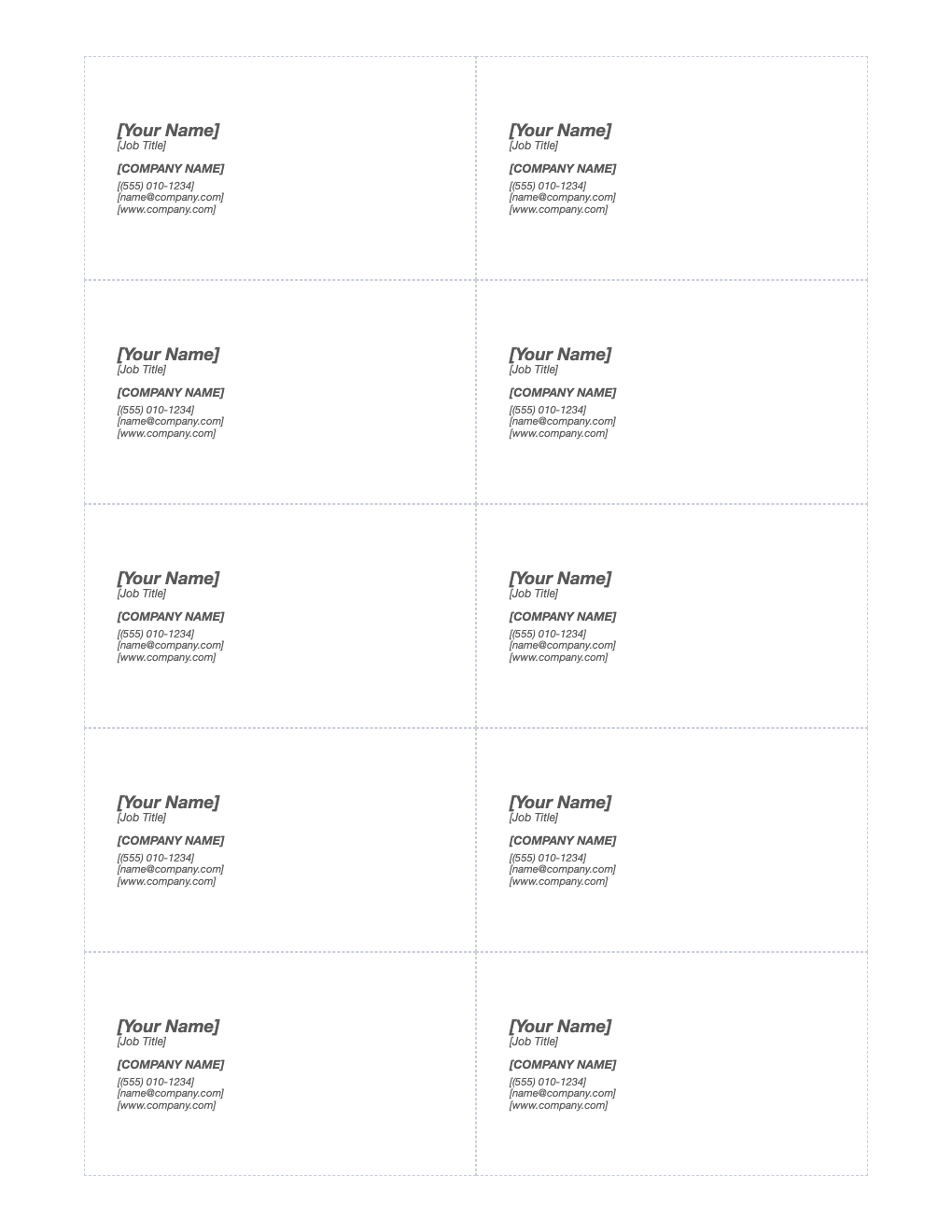
Print professional business cards at home. Ten 3.5 × 2 inch cards per sheet, aligned for Avery 5371, 8371 and 8859 and compatible perforated card stock.
What's inside
- 10 cards per US Letter sheet, 3.5 × 2 inches
- Aligned for Avery 5371 / 8371 / 8859
- Name, title, company, phone, email and website
- Clean layout with room for a logo
- No borders print, so cards line up cleanly on perforated stock
Opens in Microsoft Word, Google Docs, Apple Pages, and LibreOffice. No signup, no watermarks.
How to use this template
Edit the first card, then copy its text into the other nine cards.
Add a logo with Insert > Pictures and set wrapping to "In front of text" to position it.
Print at 100% scale on a plain sheet first and hold it against the card stock to check alignment.
Printing on plain card stock? Turn on table gridlines (Layout > View Gridlines) to see each card's edges, then cut with a paper trimmer.
Frequently asked questions
Is this business card template really free?
Yes. Download it, use it as often as you like, and share it with your team. No account, no email, no watermark. The site is supported by advertising.
What size is a business card?
3.5 × 2 inches in the US and Canada.
How do I print it so it lines up?
Print at 100% scale ("Actual size"), not "Fit to page", and print a test page on plain paper first. Hold it against the sheet to check alignment.
Can I use it in Google Docs?
Yes. Upload the .docx to Google Drive and open it with Google Docs, or open it in Apple Pages or LibreOffice Writer. The layout and tables carry over.