Free Tri-Fold Brochure Template for Word
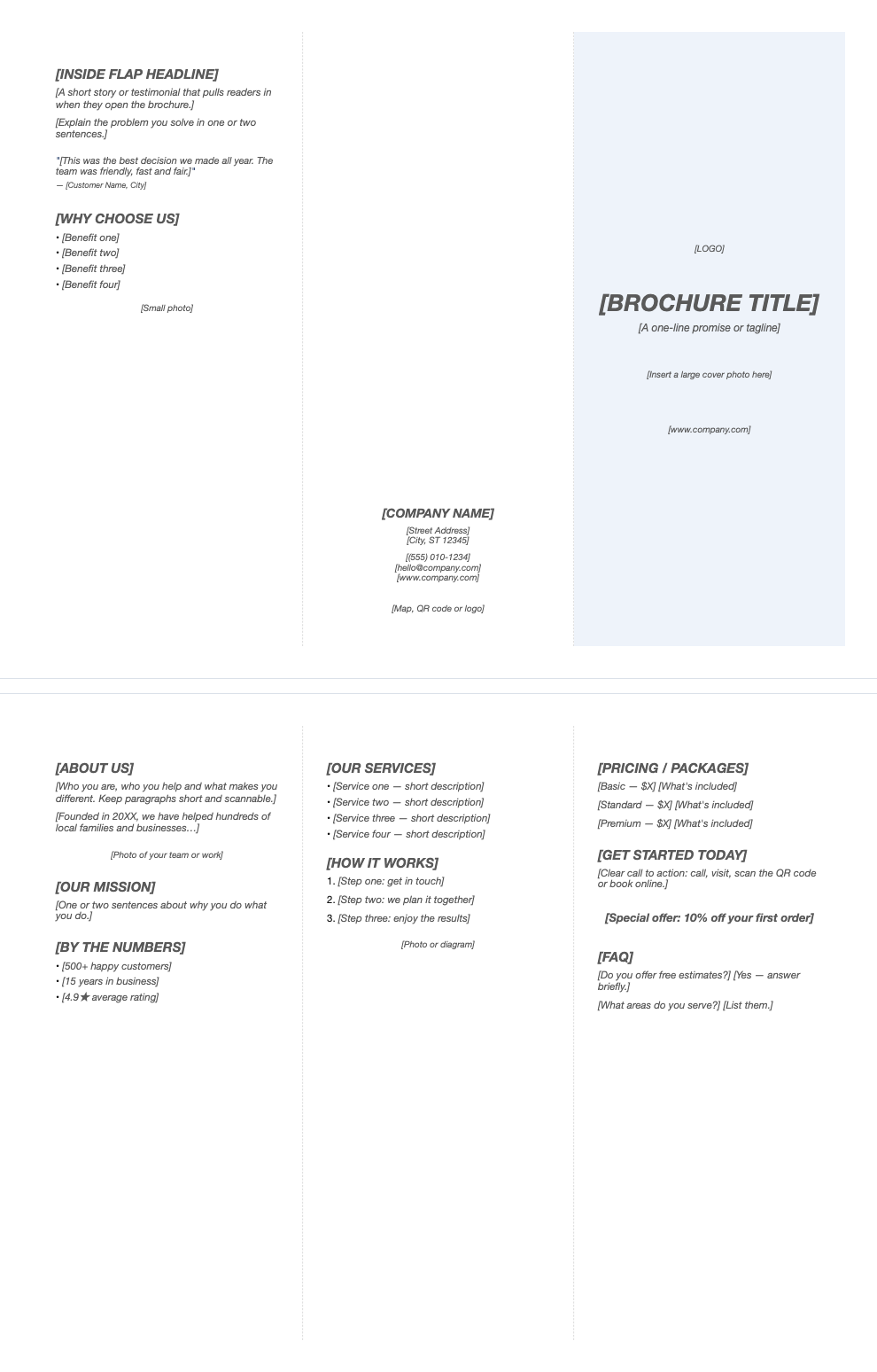
A classic tri-fold brochure for a business, nonprofit, school or event. Six panels on a landscape letter sheet, with a cover, inside flap, contact panel and three inside panels for your story, services and offer.
What's inside
- Outside page: inside flap, back panel with contact details, and front cover
- Inside page: about, services and pricing panels
- Placeholders for photos, QR code and logo
- Testimonial, benefits, how-it-works and FAQ sections
- Light fold guides between panels
Opens in Microsoft Word, Google Docs, Apple Pages, and LibreOffice. No signup, no watermarks.
How to use this template
Replace the placeholder text; keep each panel short and scannable.
Insert photos and your logo with Insert > Pictures.
Print page 1 and page 2 on one sheet, double-sided, flipping on the short edge. Print a test copy first.
Fold the right panel (cover) to the front and tuck the inside flap in. Heavier paper (28–32 lb) folds crisply.
Frequently asked questions
Is this brochure template really free?
Yes. Download it, use it as often as you like, and share it with your team. No account, no email, no watermark. The site is supported by advertising.
How do I print a tri-fold brochure?
Print double-sided on letter paper in landscape, flipping on the short edge, then fold in thirds.
What goes on the front panel?
Your title or company name, a short promise and a strong image; the back panel holds contact details.
Can I use it in Google Docs?
Yes. Upload the .docx to Google Drive and open it with Google Docs, or open it in Apple Pages or LibreOffice Writer. The layout and tables carry over.