Free #10 Envelope Template for Word
Print addresses straight onto standard #10 business envelopes. The page is already sized 9.5 × 4.125 inches with the return address in the corner and the recipient address where postal machines expect it.
What's inside
- Page sized for a #10 envelope (9.5 × 4.125 in)
- Return address in the top-left corner
- Recipient address positioned for postal scanning
- Space left clear for postage
- Works with most home printers' envelope feed
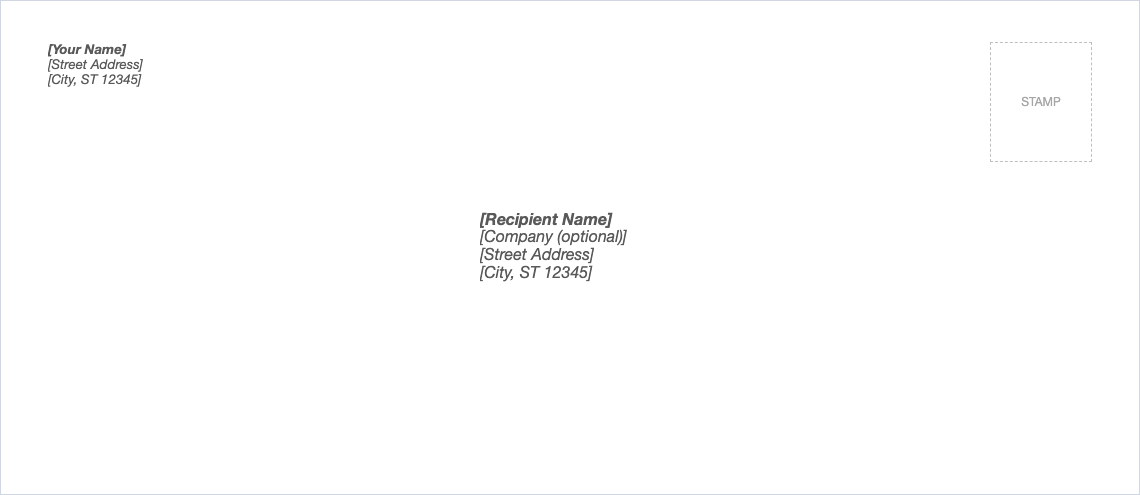
Opens in Microsoft Word, Google Docs, Apple Pages, and LibreOffice. No signup, no watermarks.
How to use this template
Replace the return and recipient addresses.
Check your printer's envelope instructions: which side faces up and which edge goes in first. Many printers show a small envelope icon on the tray.
Print a test on a sheet of paper cut to size, or on a spare envelope.
For many envelopes with different recipients, use Word's Mailings > Envelopes or mail merge, with this layout as a guide.
Frequently asked questions
Is this envelope template really free?
Yes. Download it, use it as often as you like, and share it with your team. No account, no email, no watermark. The site is supported by advertising.
What size is a #10 envelope?
4⅛ × 9½ inches, the standard business envelope in the US.
Where should the address go?
Recipient address roughly centered, starting about halfway down; the return address in the top-left corner.
Can I use it in Google Docs?
Yes. Upload the .docx to Google Drive and open it with Google Docs, or open it in Apple Pages or LibreOffice Writer. The layout and tables carry over.