Free Cornell Notes Template
Take notes that are easy to study from. The Cornell layout splits each page into a notes area, a cue column for questions and key terms, and a summary at the bottom.
What's inside
- Name, class, date and topic header
- Narrow cue column for questions and key terms
- Wide notes column
- Summary box at the bottom
- Prints on one page
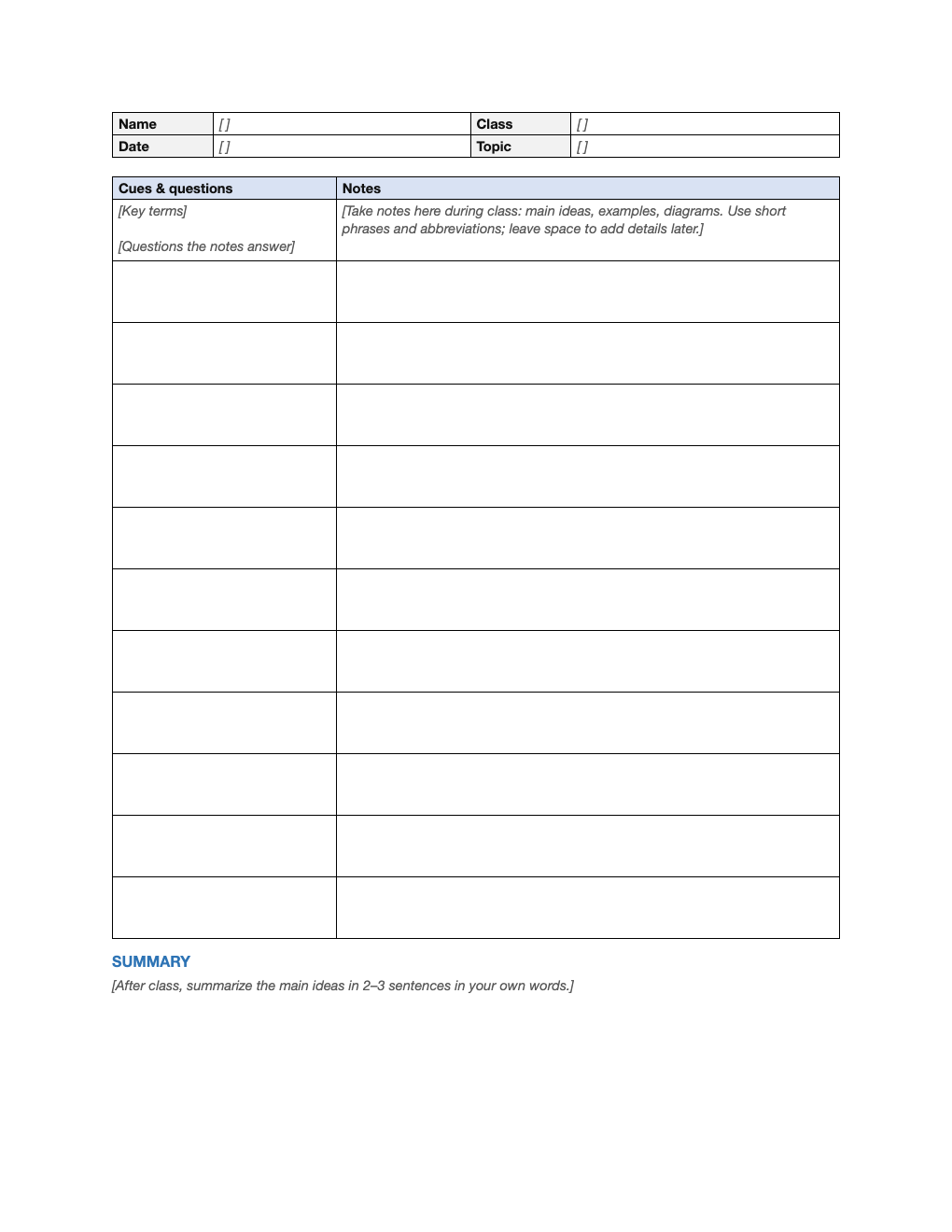
Opens in Microsoft Word, Google Docs, Apple Pages, and LibreOffice. No signup, no watermarks.
How to use this template
During class, write notes in the right column using short phrases, abbreviations and diagrams.
Right after class, add questions and key terms in the left column that the notes answer.
Write a two- or three-sentence summary at the bottom.
To study, cover the notes column and quiz yourself with the cues. Active recall like this is one of the most effective study methods.
Frequently asked questions
Is this Cornell notes template really free?
Yes. Download it, use it as often as you like, and share it with your team. No account, no email, no watermark. The site is supported by advertising.
What is the Cornell note-taking method?
A system developed at Cornell University: notes on the right, cues on the left, and a summary at the bottom, designed for review and self-testing.
Can I print it?
Yes. It is set up to print cleanly on US Letter paper; choose "Fit to page" if your printer uses A4.
Can I use it in Google Docs?
Yes. Upload the .docx to Google Drive and open it with Google Docs, or open it in Apple Pages or LibreOffice Writer. The layout and tables carry over.