Free Name Tag Template for Word
Help people mingle at meetings, conferences, classrooms and parties. Classic "Hello, my name is" tags, eight per sheet, aligned for Avery 5395 adhesive name badges.
What's inside
- 8 name tags per sheet, 2⅓ × 3⅜ inches
- Aligned for Avery 5395 / 8395 / 45395
- "HELLO my name is" header
- Large name line and a smaller company or table line
- Edit colors and fonts to match your event
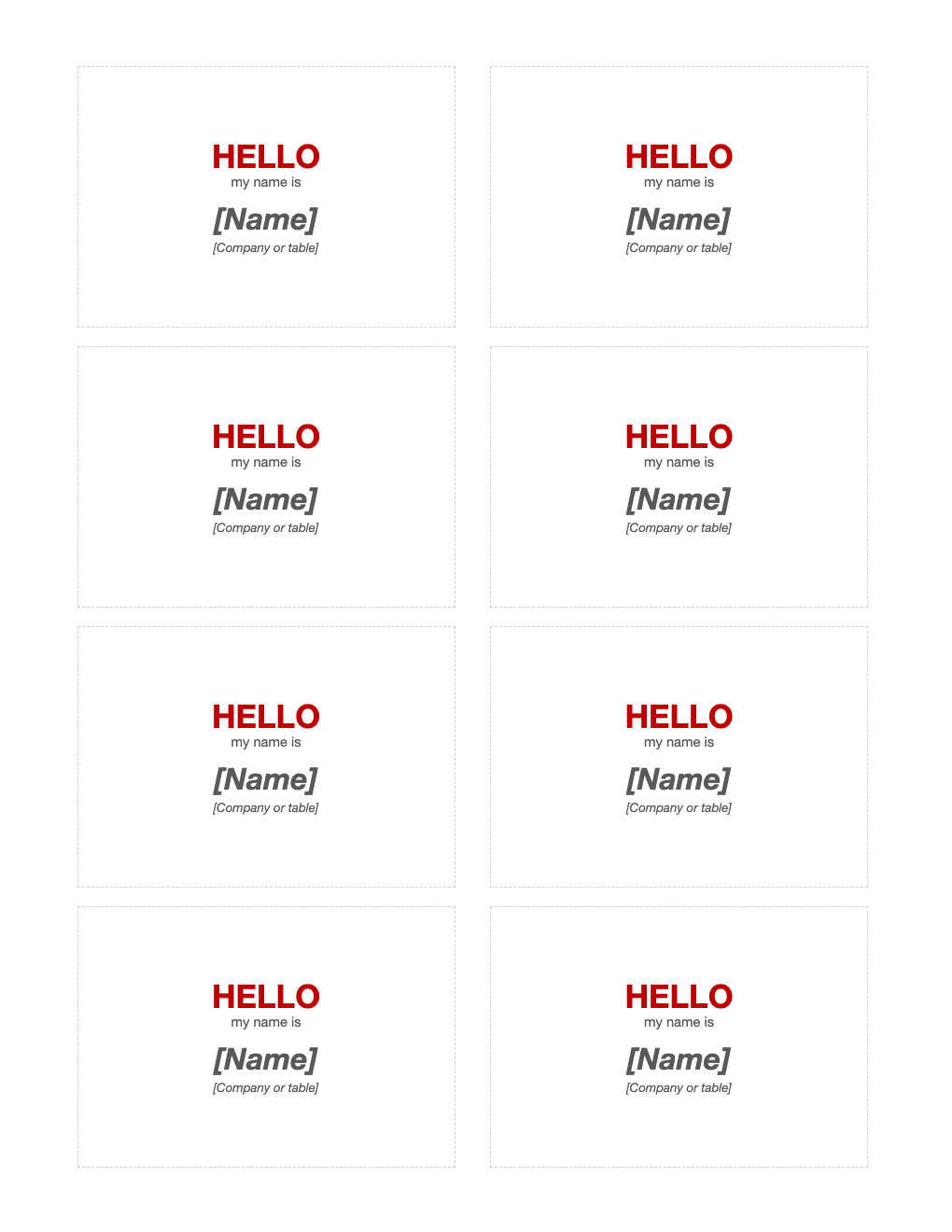
Opens in Microsoft Word, Google Docs, Apple Pages, and LibreOffice. No signup, no watermarks.
How to use this template
Type each attendee's name, or leave the name blank for people to write their own.
Print a test page on plain paper at 100% and check it against the badge sheet.
Use a large, bold font so names are readable from a few feet away.
For pinned or lanyard badges, print on card stock and cut along the guides.
Frequently asked questions
Is this name tag template really free?
Yes. Download it, use it as often as you like, and share it with your team. No account, no email, no watermark. The site is supported by advertising.
What size is Avery 5395?
2⅓ × 3⅜ inches, 8 per sheet.
How do I print it so it lines up?
Print at 100% scale ("Actual size"), not "Fit to page", and print a test page on plain paper first. Hold it against the sheet to check alignment.
Can I use it in Google Docs?
Yes. Upload the .docx to Google Drive and open it with Google Docs, or open it in Apple Pages or LibreOffice Writer. The layout and tables carry over.